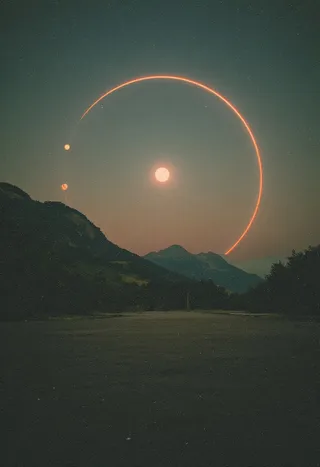
MJ_Renderer - detailed texture+
Palavras-chave e Tags Relacionadas
Imagens em destaque

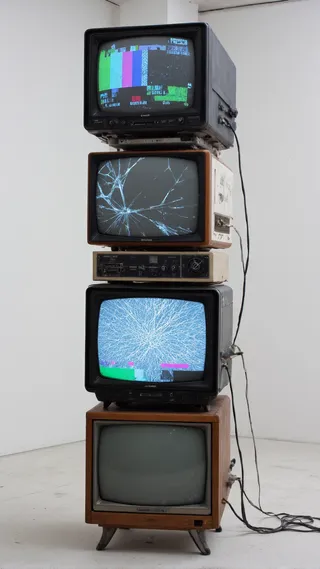
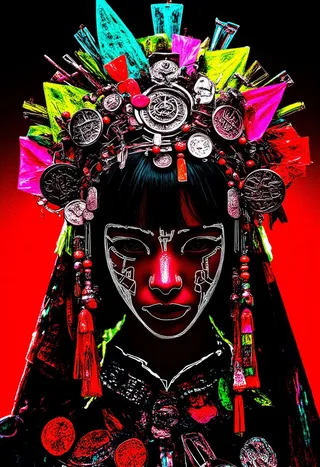
Prompts Recomendados
photo-fen
Parâmetros Recomendados
samplers
steps
cfg
Dicas
Weight should be set between 0.6 and 1.2, default is 0.9.
Size options include 768, 1024 (default), and 1536.
Steps recommended are 20 - 40, compatible with turbo acceleration model; default 8 steps for quick tests.
Guidance Condition (CFG) should be between 2.5 and 3.5, default 3.5.
Sampler recommended is the simple euler sampler.
Trigger Words: photo-fen.
For best results, use with WebUI or ComfyUI; ComfyUI provides better effects when using the suggested workflow.
Destaques da Versão
Copyright Statement:
Some people have been abusing my model all the time. Hereby, I solemnly declare that my model is only for learning and communication purposes. Users should follow the community agreements and relevant national laws and regulations. Any individual or institution is prohibited from using it in any public or commercial fields without permission. Violators will be prosecuted.
Patrocinadores do Criador
Preface
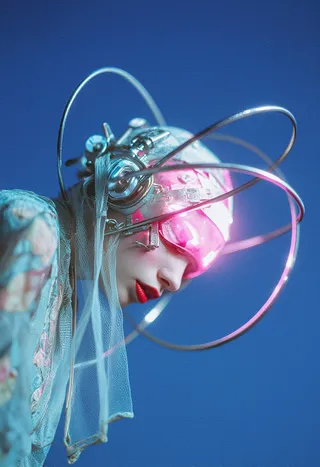
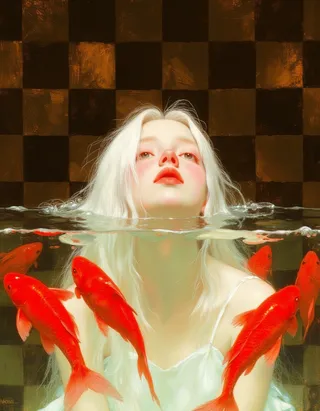
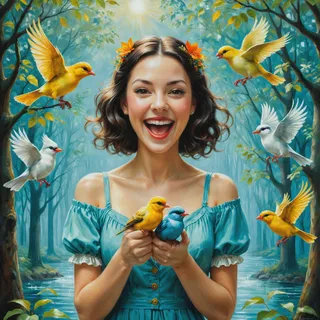
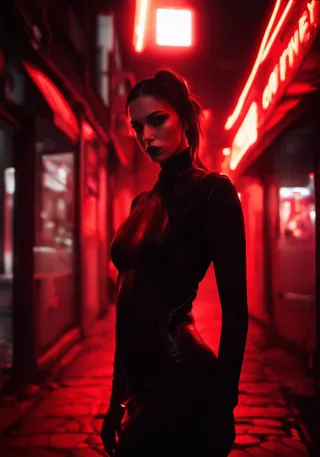
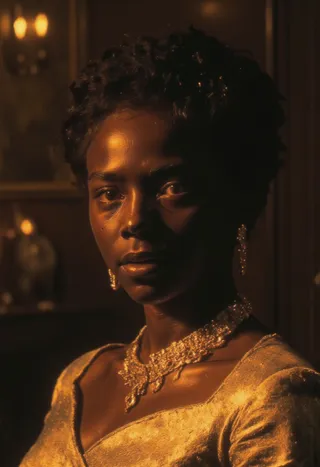
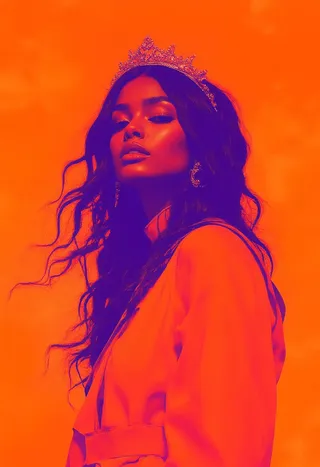
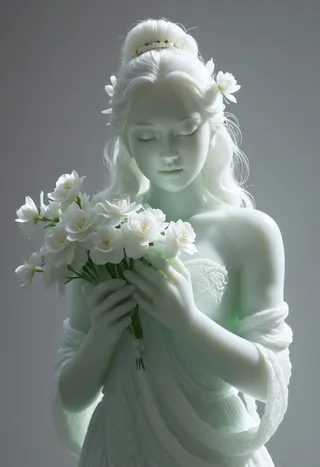
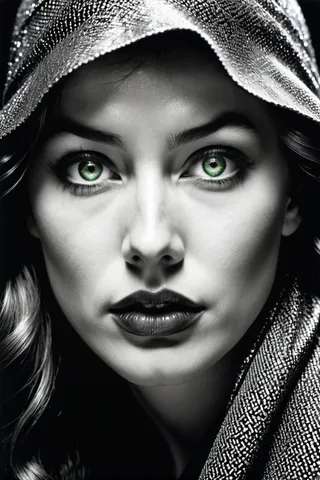
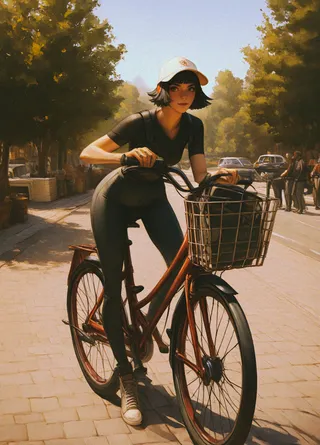
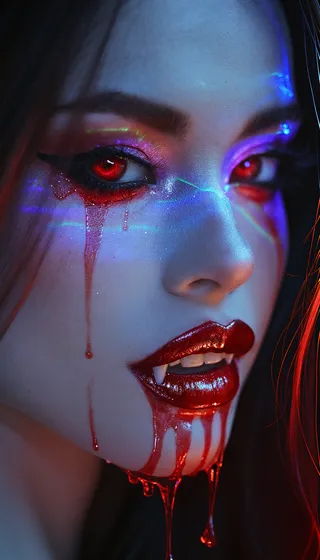
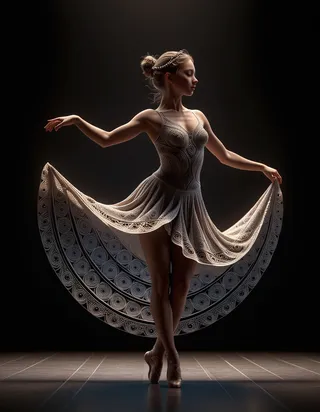
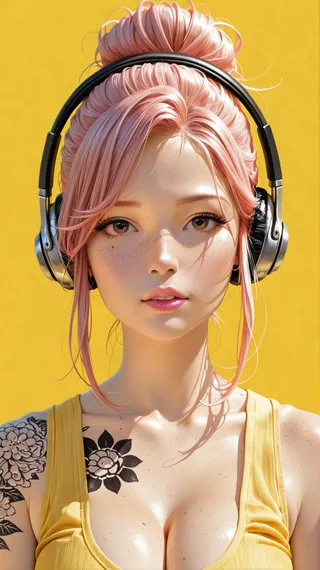
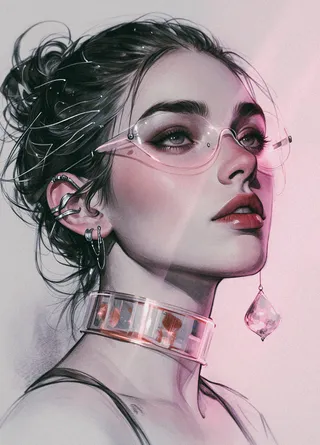
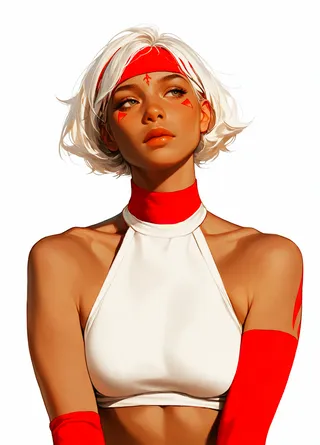
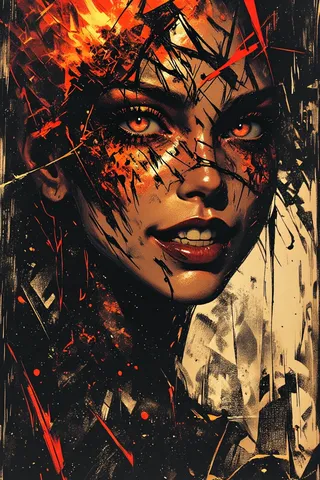
By learning from the realistic images generated by Midjourney_v7, this LoRA model has significantly improved in terms of lighting and shadow details as well as skin textures, and the results are even better than those achieved with upscale.
detailed texture+
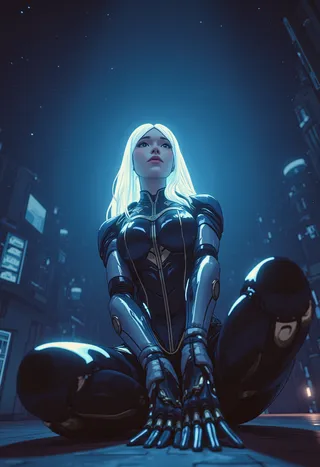
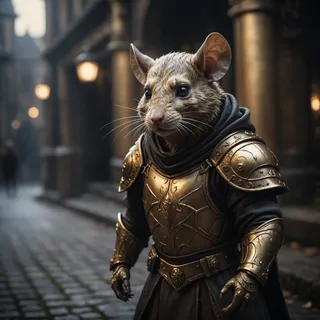
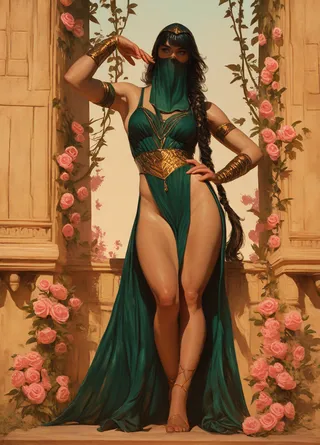
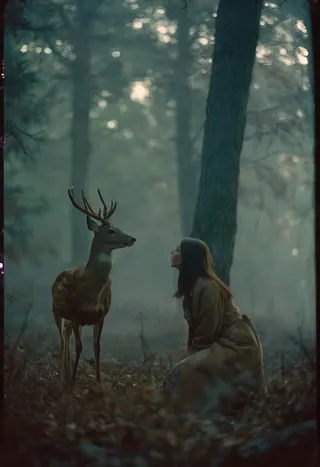
From the following sample diagrams of weights, the changes in lighting, shadows and skin textures can be clearly seen.
Prompt:
A close-up portrait of a European woman's face smeared with red paint, with the black letters "MJ Renderer" written on it. The woman squints and looks at the audience. Red liquid is flowing from her bright red lips. Front view, light colored background.
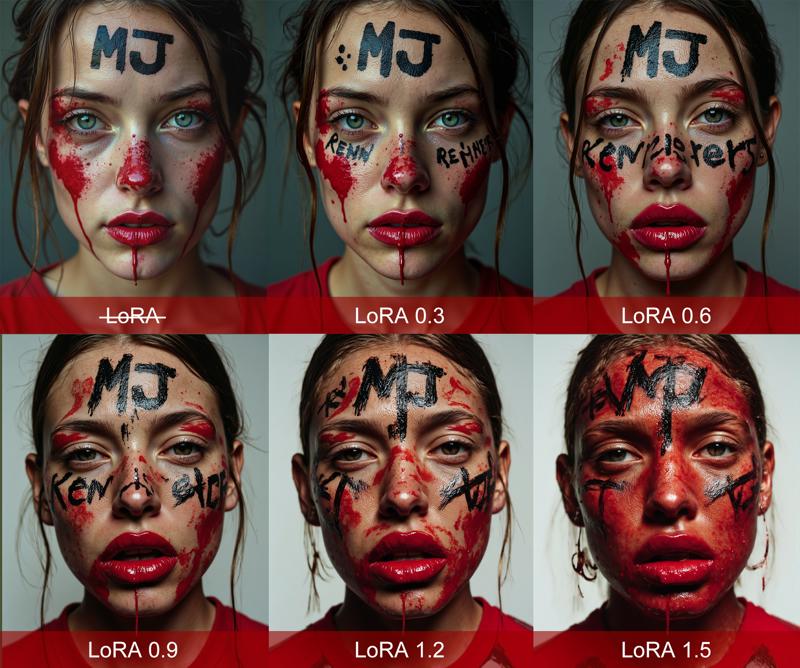
matte texture
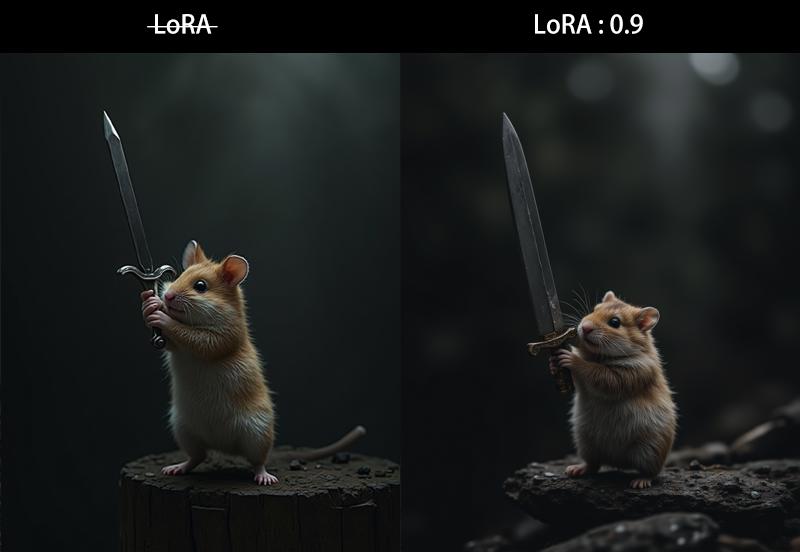
1. Detail Enhancement
Each piece of material in the dataset has been carefully selected to ensure that its content details are rich enough. Therefore, it can also be used as a detail enhancement LoRA.
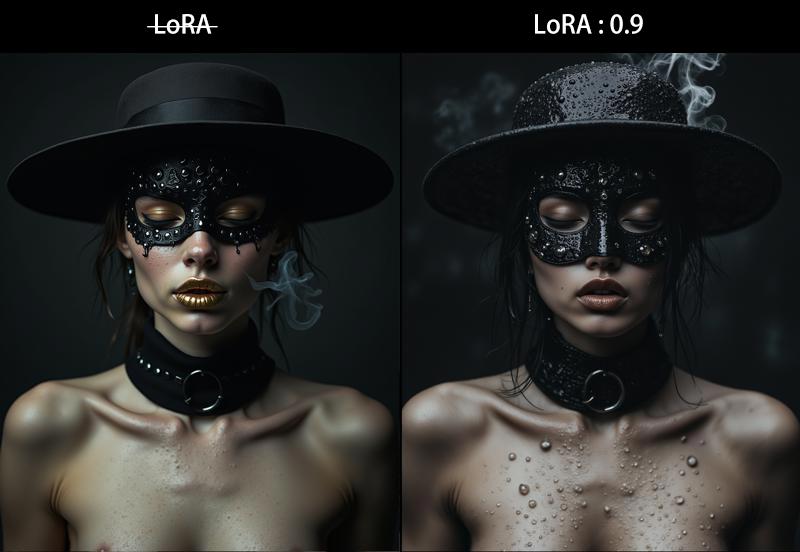
2. Prominent Texture
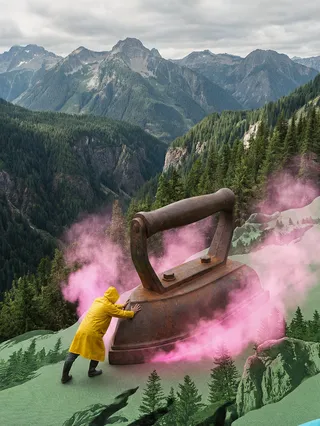
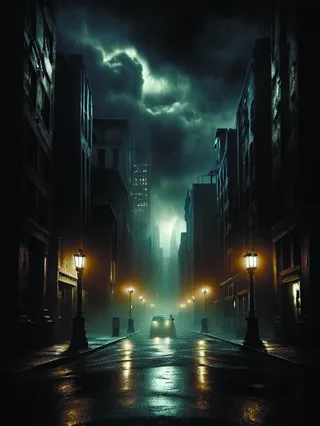
The proportion of materials with prominent textures has been increased, which can better render the texture of the picture. It has a good restoration for natural phenomena such as smoke and rain. Looking at the overall picture, there will be a relatively thick and epic texture.
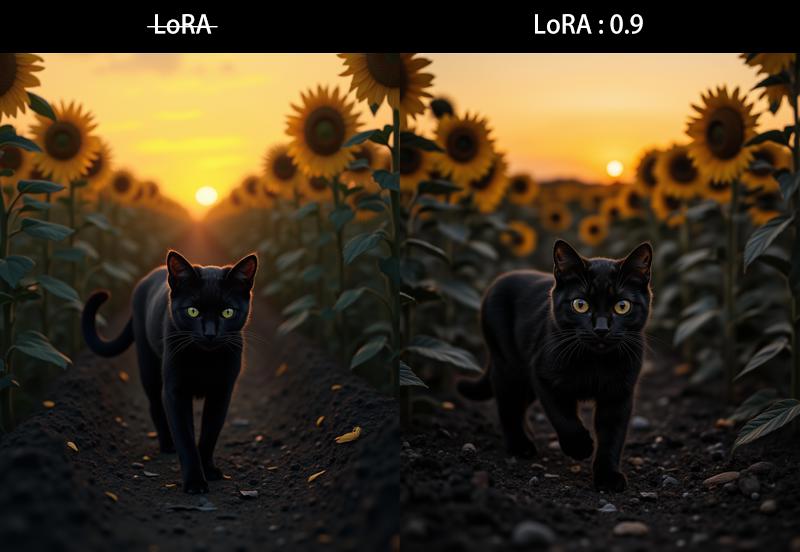
3. Clarity Enhancement
The light and shade relationship of the dataset has been corrected, and the clarity of the picture will be significantly improved compared to the original FLUX model.
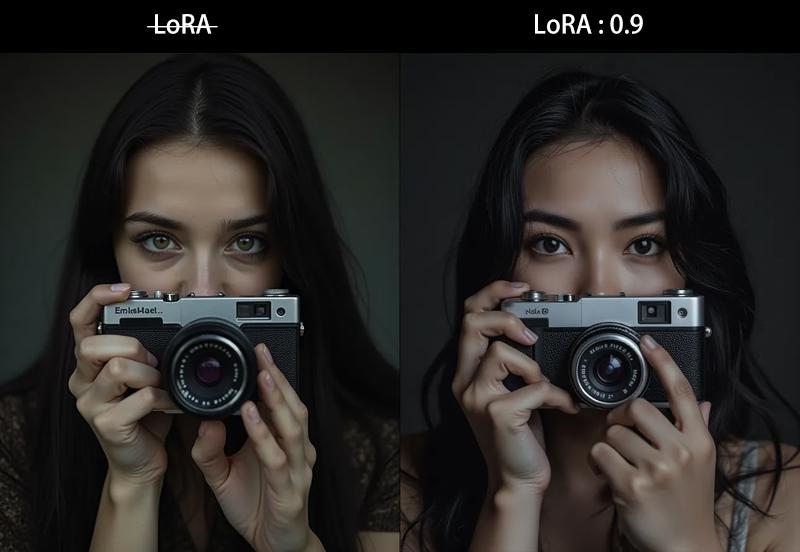
4. Model Generalization
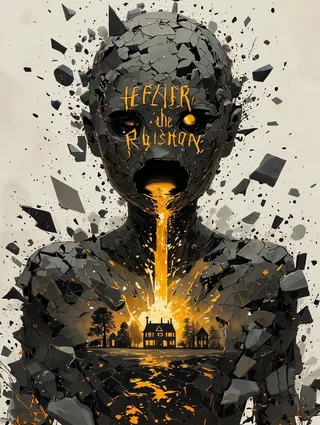
This LoRA has a special enhancing effect on portraits. At the same time, some surreal elements have been added, which endows the model with good generalization ability. Please have a try.
Recommended Configuration
This LoRA has undergone extensive testing, and the example images are all generated in one go and have not undergone enlargement processing.
Weight: 0.6 - 1.2 (default 0.9)
Size: 768/1024/1536 (default 1024)
Guidance Condition: 2.5 - 3.5 (default 3.5)
Steps: 20 - 40 (compatible with the turbo acceleration model, default 8 steps)
Sampler: euler (simple)
Trigger Words: photo-fen
Support WebUI/ComfyUI. After testing, the effect of ComfyUI is better. It is recommended to use it together with my workflow.
OK! The above is all the content for this time. If you have any questions, welcome to leave a message/return pictures/like/follow. It would be great to have a combo of all these actions.
→→→→→→ Get more resources ←←←←←←
Colaborador

Detalhes do Modelo
Tipo de modelo
Modelo base
Versão do modelo
Hash do modelo
Palavras treinadas
Criador
Discussão
Por favor, faça log in para deixar um comentário.
Coleção de Modelos - MJ_Renderer

Imagens por MJ_Renderer - detailed texture+
Imagens com midjourney


Imagens com photo



Imagens com portrait





Imagens com style





Imagens com surrealism