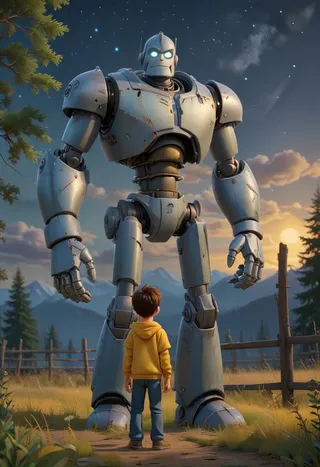
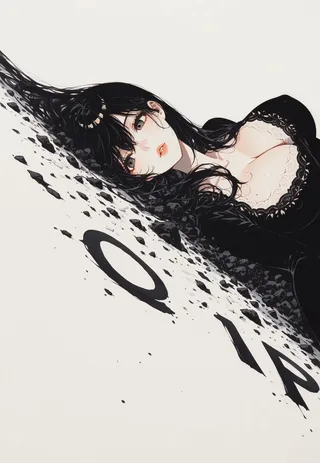
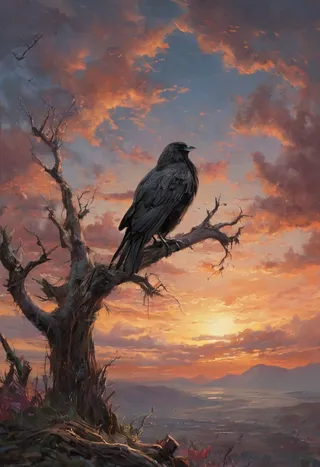
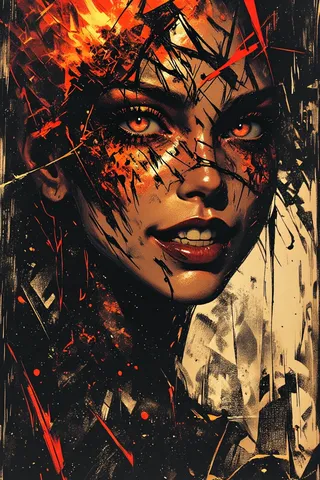
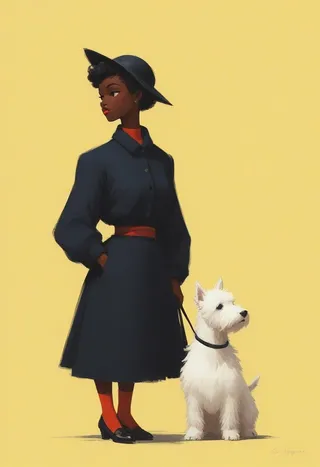
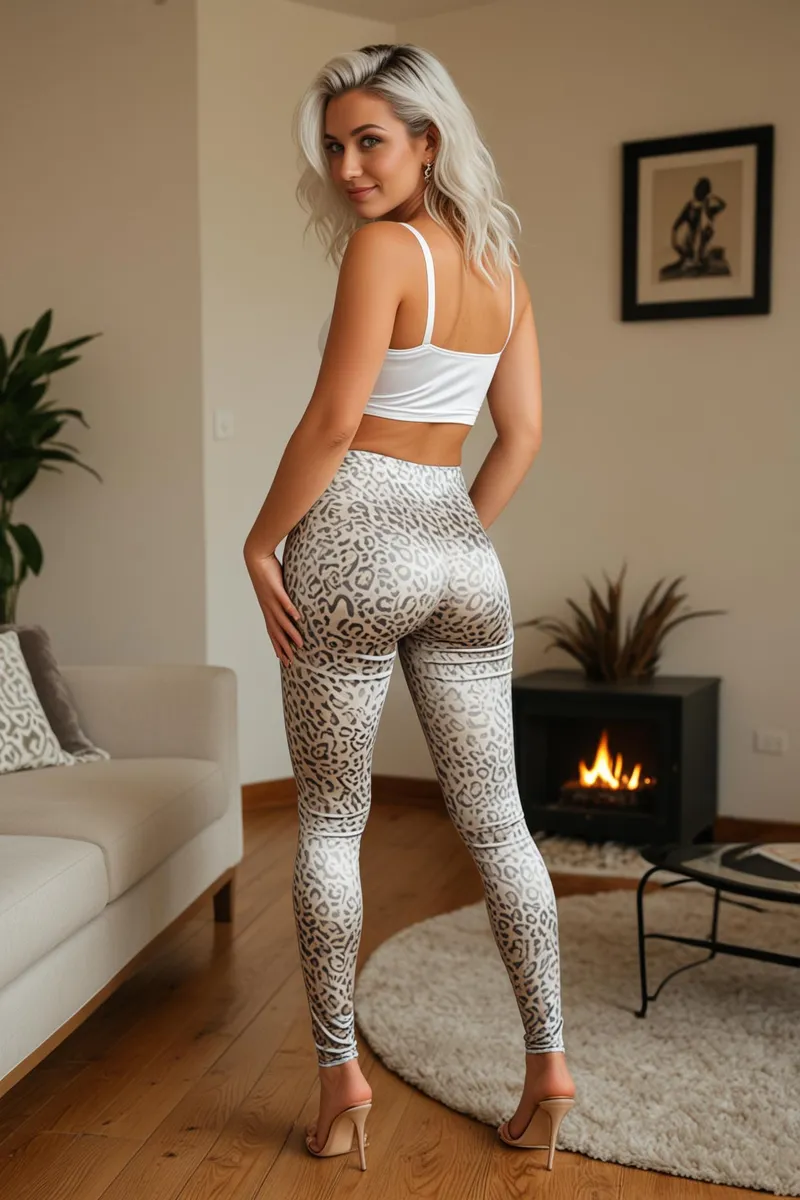
CyberRealistic Negative - Pony v2.0 - v2.0
Palavras-chave e Tags Relacionadas
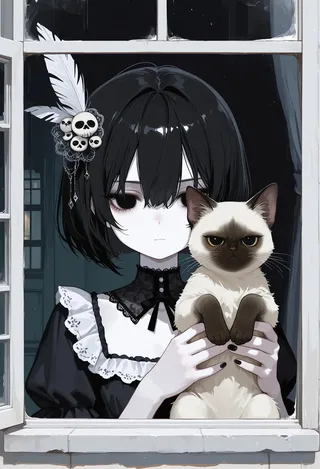
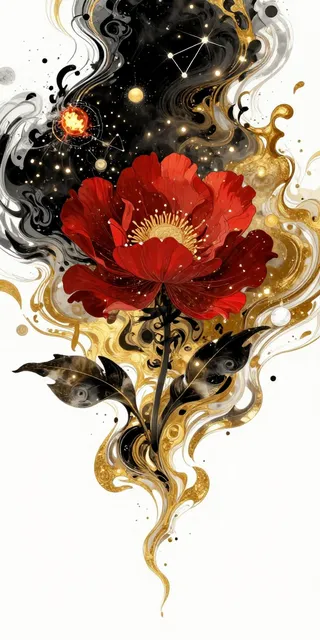
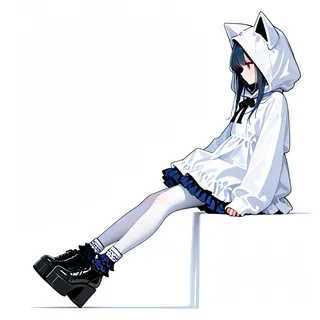
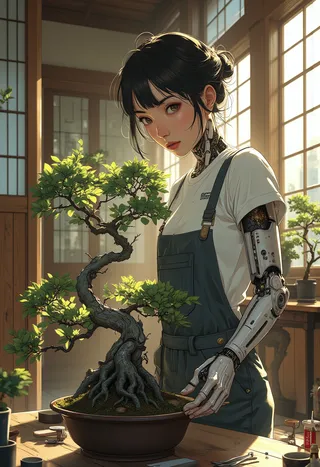
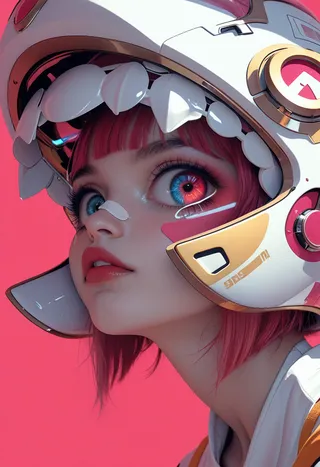
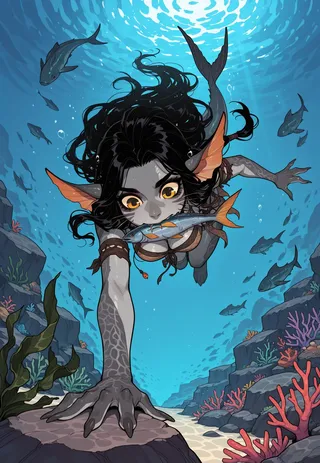
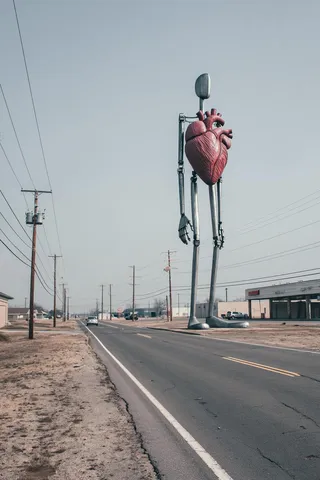
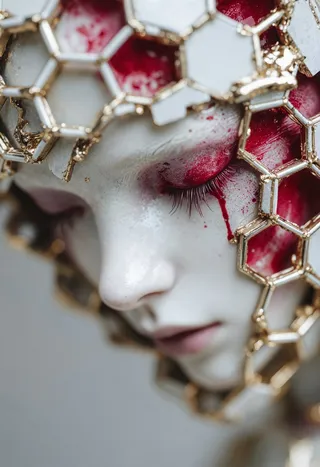
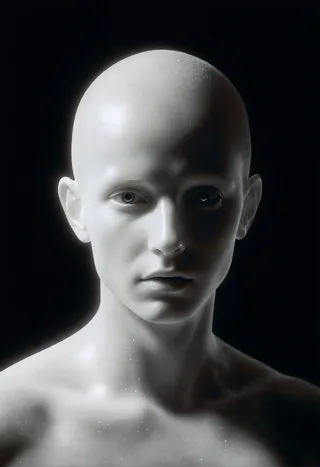
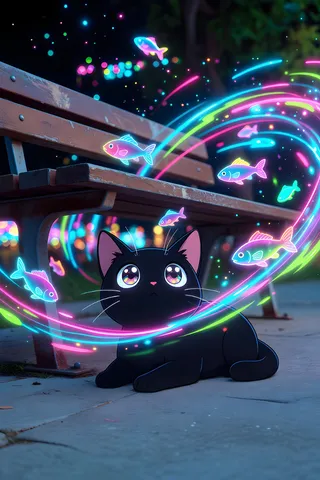
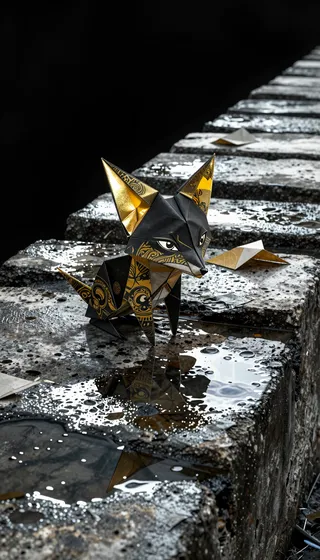
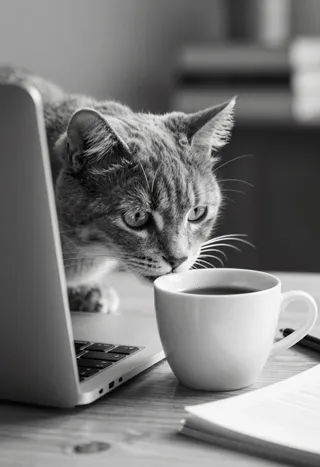
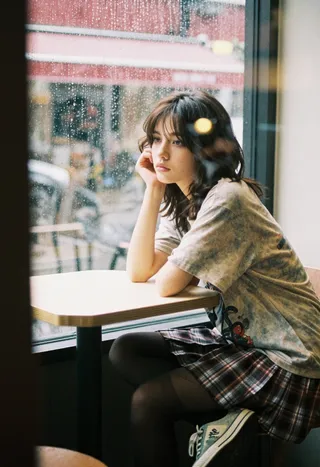
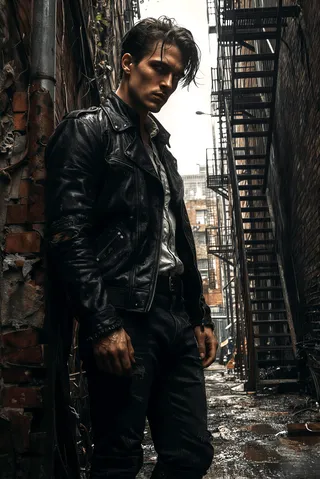
Imagens em destaque
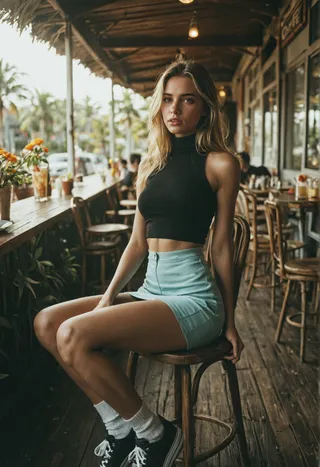

Prompts Recomendados
score_9, score_8_up, score_7_up, highly detailed, film grain
Prompts Negativos Recomendados
CyberRealistic_Negative,CyberRealistic_Negative_Anime
CyberRealistic_Negative_PONY_V2
Parâmetros Recomendados
samplers
steps
cfg
clip skip
resolution
other models
Parâmetros Recomendados para Alta Resolução
upscaler
upscale
steps
denoising strength
Dicas
Place the downloaded embedding file in your embeddings folder, e.g., stable-diffusion-webui/embeddings for A1111 WebUI.
Use the embedding by entering its name in the negative prompt box instead of usual prompts.
Default embedding names are CyberRealistic_Negative or CyberRealistic_Negative_Anime depending on the version.
Destaques da Versão
Specifically designed for CyberRealistic Pony v9, but of course, it works with any version of Realistic Pony.
Patrocinadores do Criador
Want to buy me coffee? (Buy a cup
Want to buy me coffee? (Buy a cup)
This Negative Embedding (TI) can assist you in achieving a more realistic portrayal when prompting.
Pony: for Realistic Pony (like CyberRealistic Pony, but it should work with every Realistic Pony model)
SDXL: for SDXL versions
Realistic 1.5: use standard version (V1.0)
Semi-Realistic/Anime 1.5: use Anime version
How to use
Download the file and place it in your embeddings folder. If you're using A1111 Webui, the folder path would be stable-diffusion-webui/embeddings (refer to the documentation to find the correct location for embeddings for other programs).
Once the file is in the designated folder, utilize the embedding by entering its name into the "negative prompt" box instead of the usual prompt. The default names are CyberRealistic_Negative, or CyberRealistic_Negative_Anime, depending on the version you downloaded.

Detalhes do Modelo
Tipo de modelo
Modelo base
Versão do modelo
Hash do modelo
Palavras treinadas
Criador
Discussão
Por favor, faça log in para deixar um comentário.
Coleção de Modelos - CyberRealistic Negative - Pony v2.0

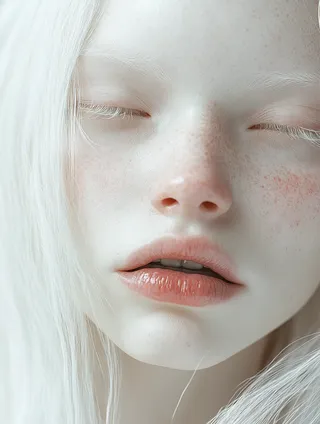
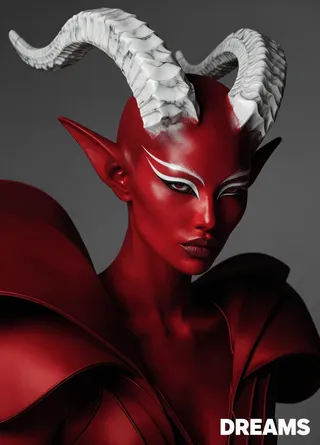
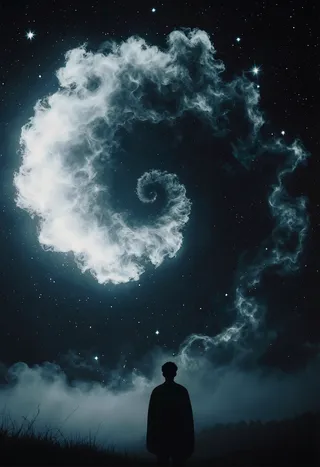
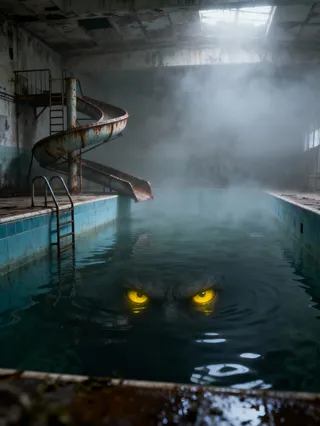
Imagens por CyberRealistic Negative - Pony v2.0 - v2.0
Imagens com anime
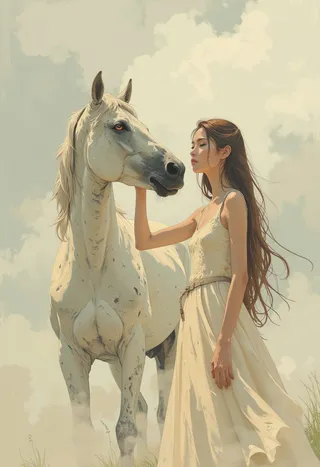





Imagens com fotorealista

Imagens com style