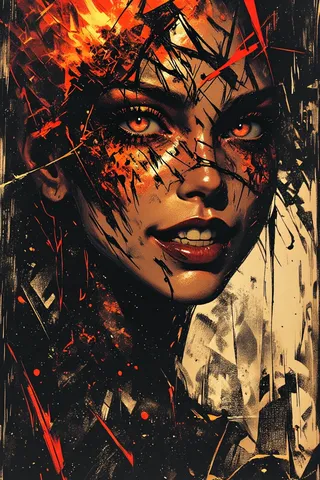
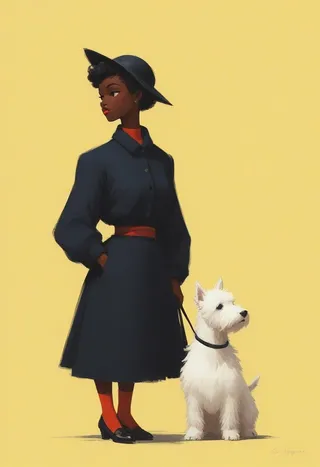
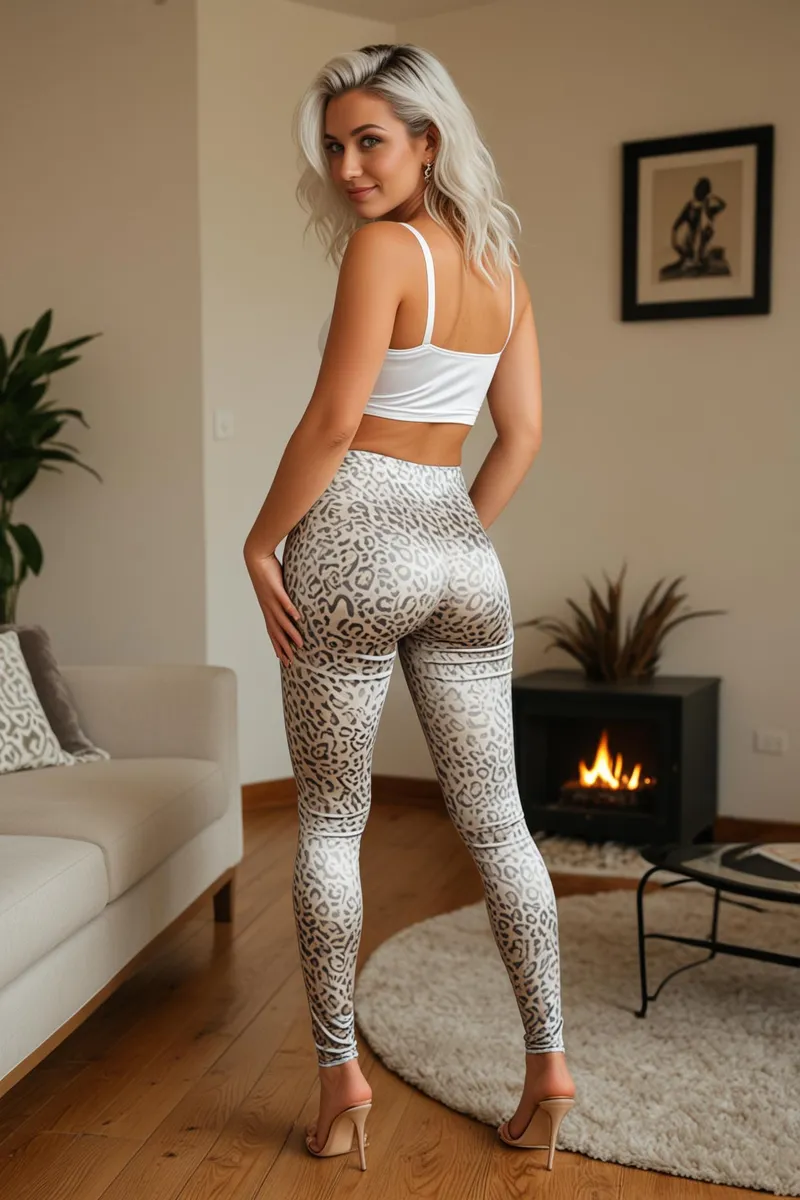
Artistic Blur - V1
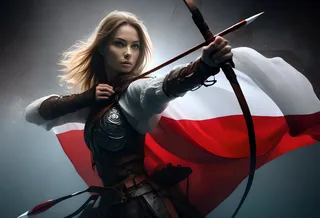
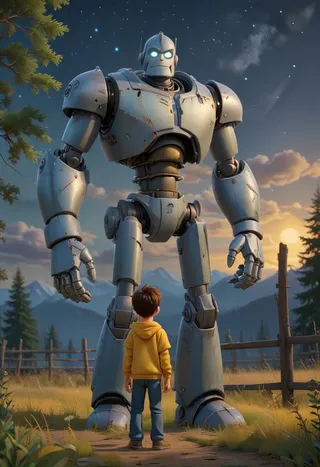
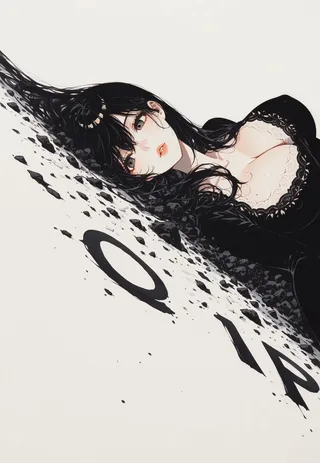
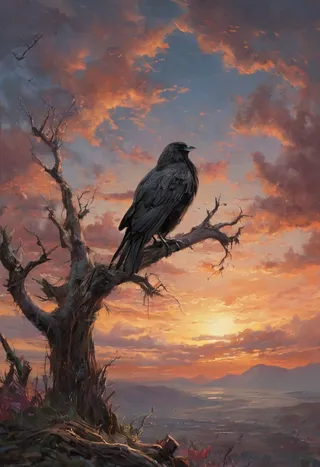
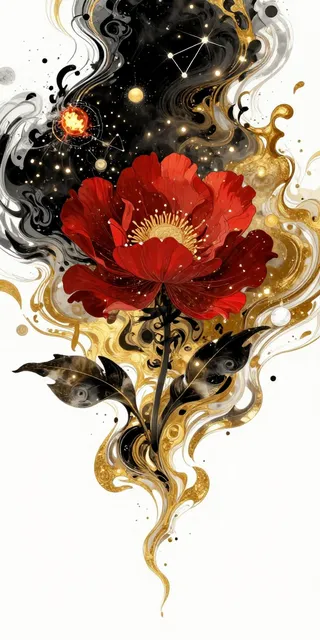
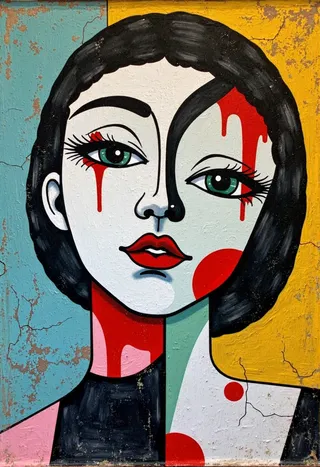
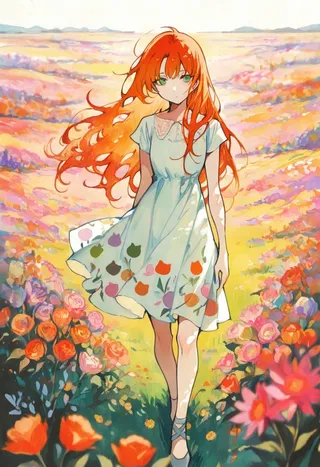
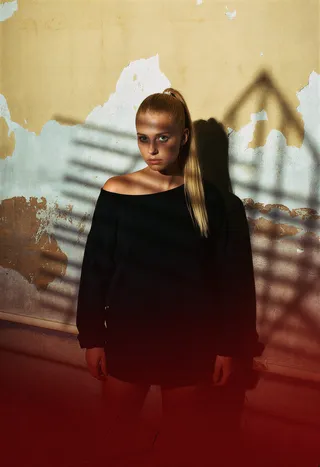
Highlighted images
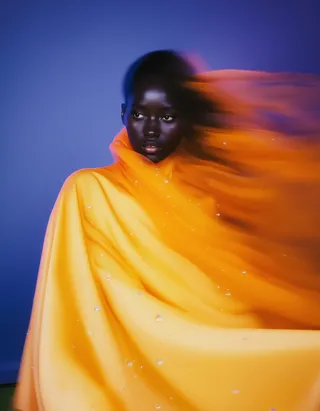
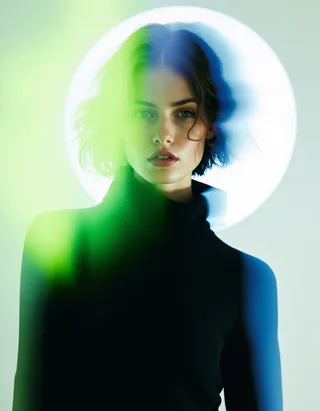
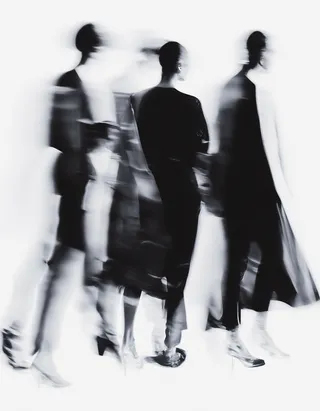
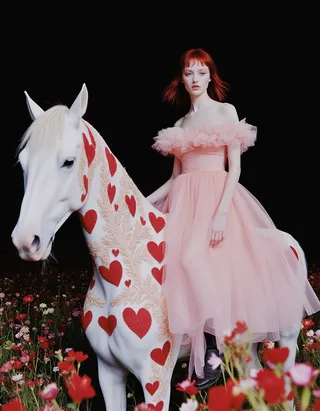
Recommended Prompts
abstract,surreal,ethereal,aesthetic,conceptual,focus,blurred,motion blur,prismatic,polychromatic hues
Recommended Parameters
samplers
steps
cfg
Tips
Use the trigger word 'bsBlur' to activate the effect.
Best results with short content prompts focused on subject description; use style keywords for enhancing the effect.
In DrawThings, drop example images on canvas to generate images with matching metadata.
Version Highlights
v1.0 Initial release.
Artistic Blur
Lens effects are vital design tools in photography, guiding the viewer's eye through selective focus while minimizing distractions in the depth of field.
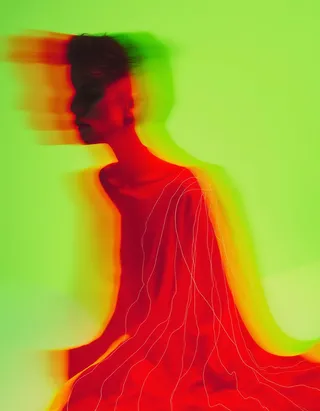
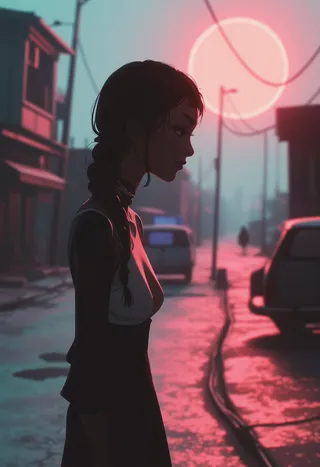
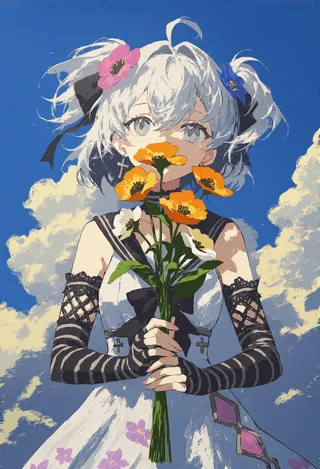
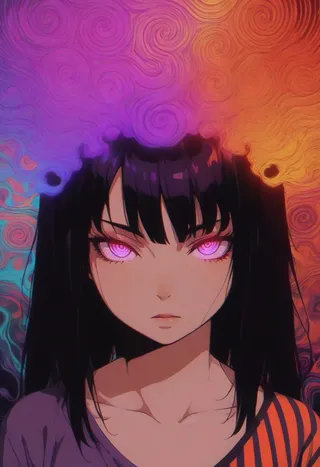
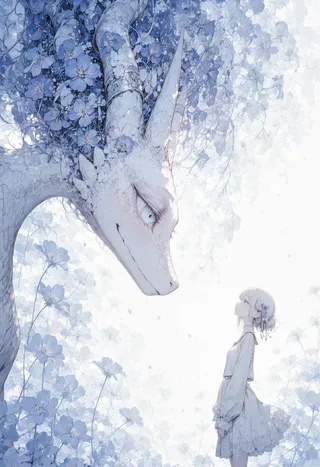
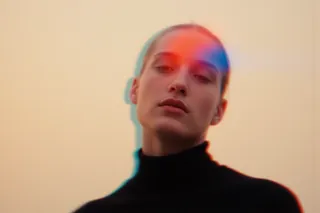
This LoRA enhances images by making colors more vivid without increasing brightness, adding realistic edge blur, improving color bleeding, and creating smoother gradients and light effects.
The trigger word is: bsBlur. and keywords like: abstract, surreal, ethereal, aesthetic, conceptual, focus, blurred, motion blur, prismatic, and polychromatic hues, can further amplify the effect.
The LoRA performs best with short prompts that describe the content, while the remaining text focuses on style using the suggested keywords. I found that longer content prompts tend to diminish the effectiveness of this LoRA.
If you're using DrawThings, simply drop example images onto the canvas to generate the exact image with the corresponding metadata.
Comparison:

Contributor
Model Details
Model type
Base model
Model version
Model hash
Trained words
Creator
Discussion
Please log in to leave a comment.
Model Collection - Artistic Blur
Images by Artistic Blur - V1
abstract Images
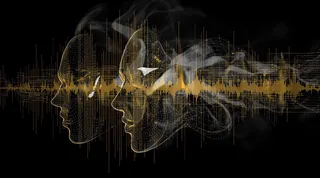
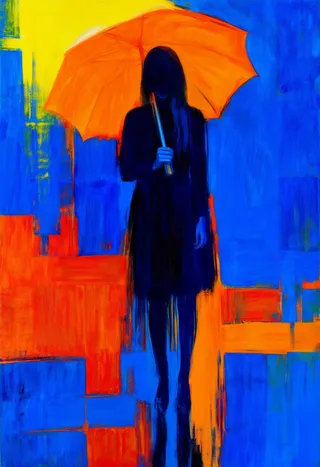
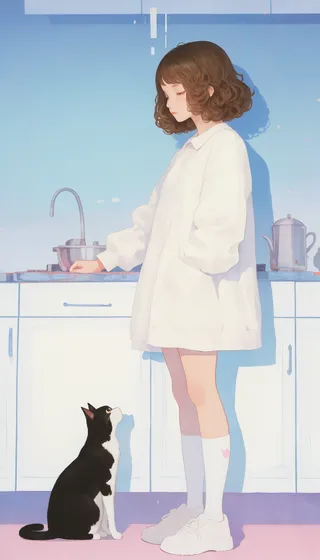
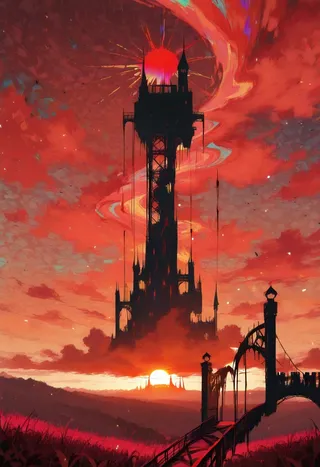
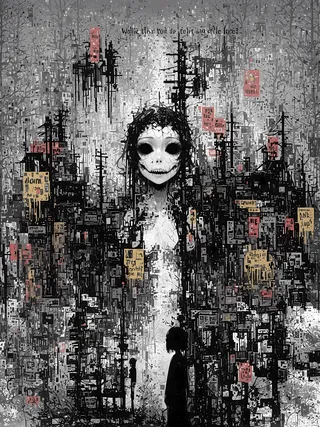
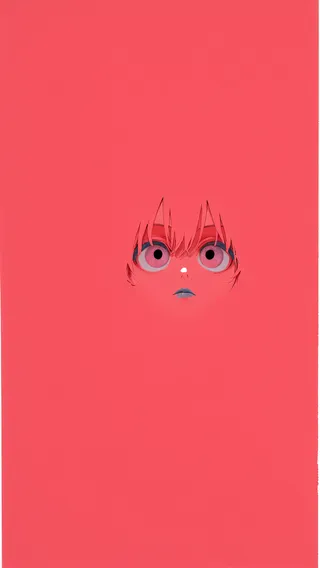
artistic Images
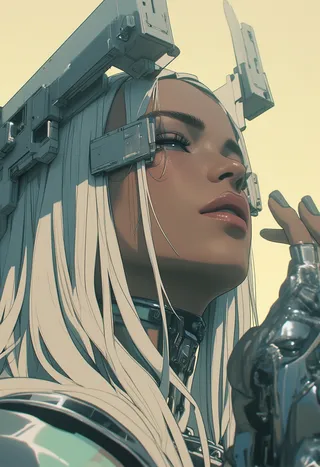
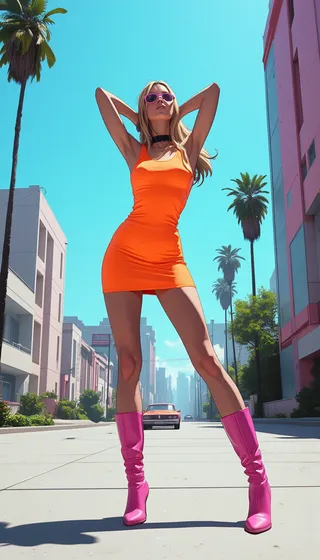
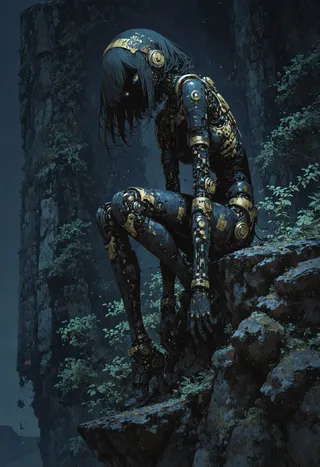
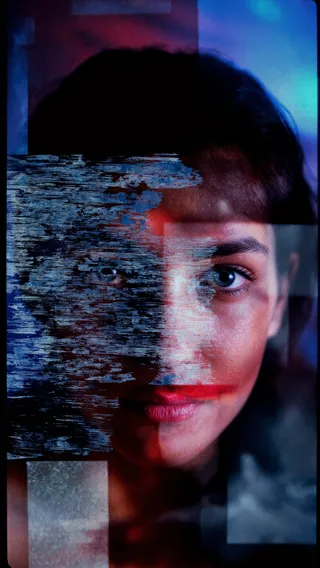
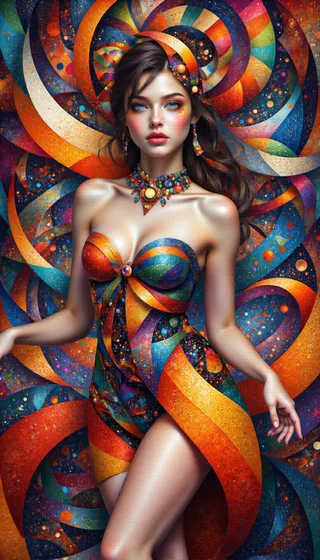
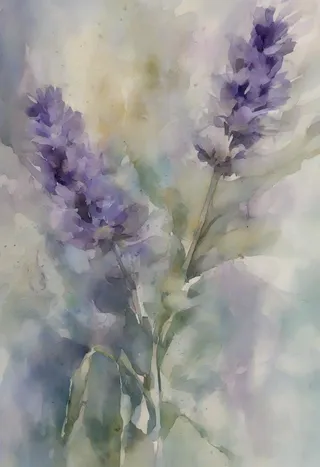
blur Images


style Images