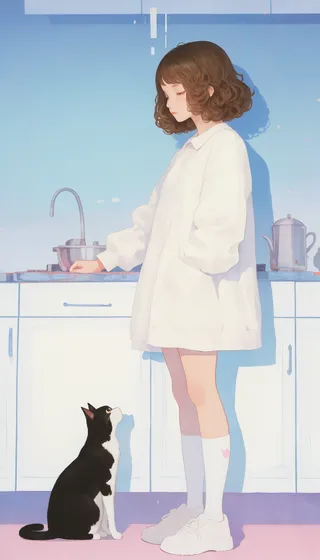
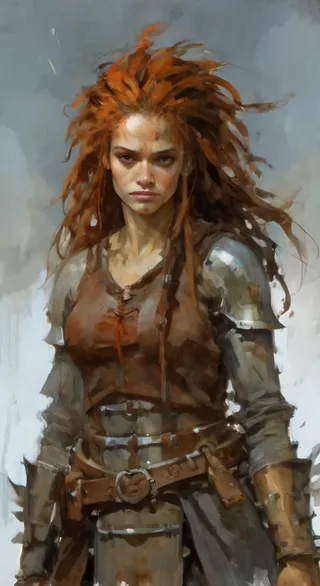
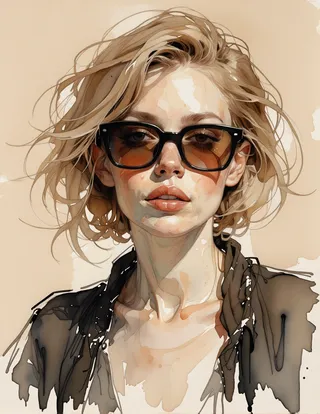
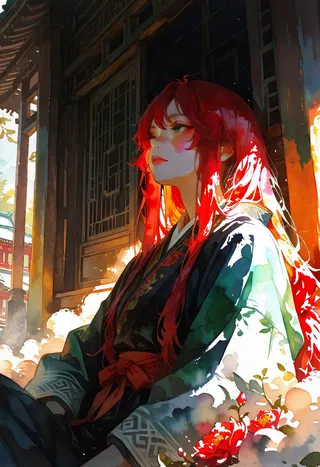
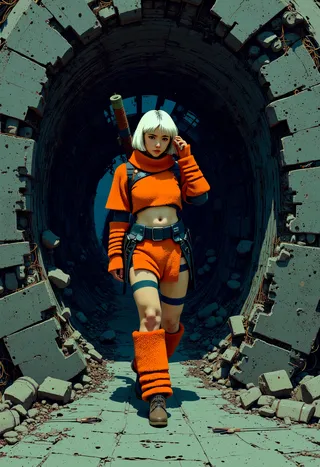
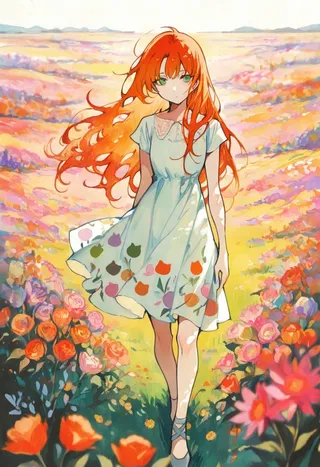
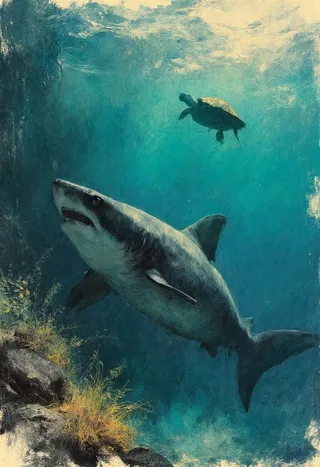
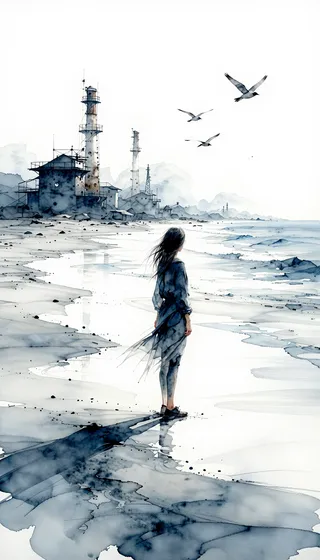
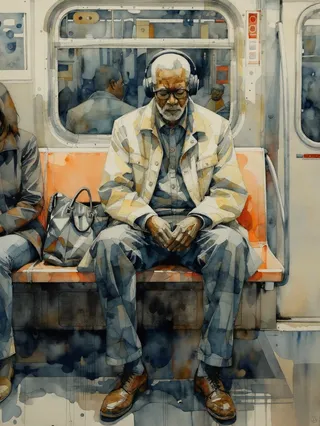
Yoshitaka Amano Style LoRA - v2_offset
관련 키워드 및 태그
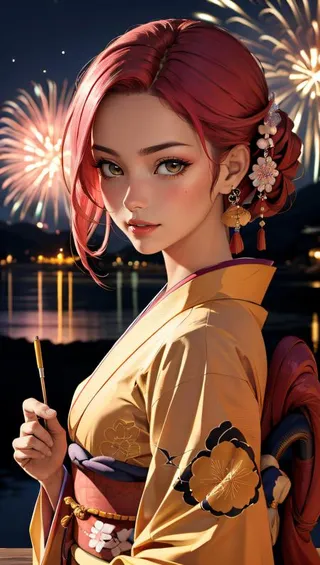
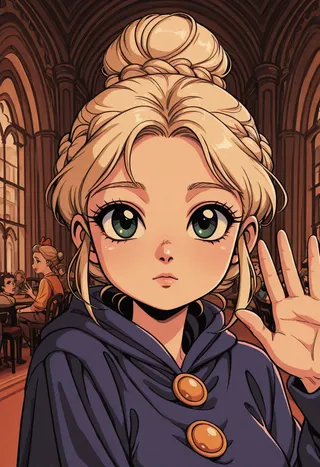
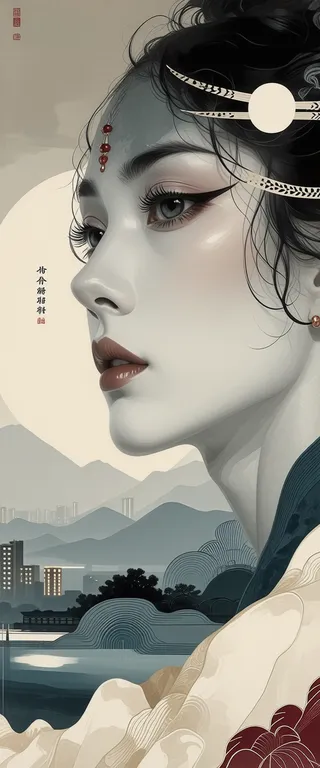
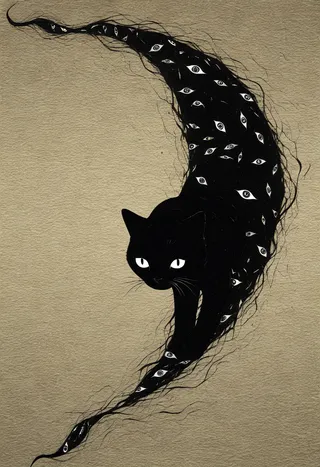
하이라이트된 이미지
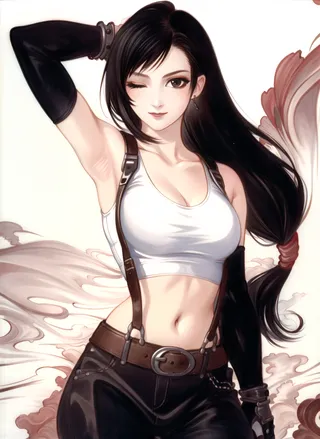
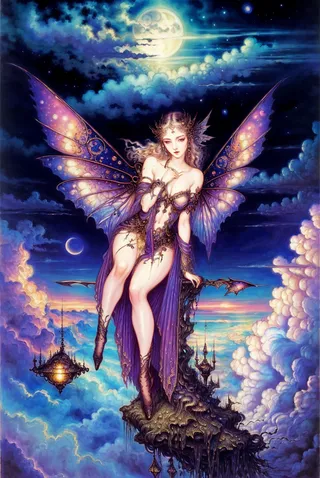
추천 프롬프트
amano yoshitaka
amano yoshitaka, 1girl, solo
추천 네거티브 프롬프트
(painting by bad-artist-anime:0.9), (painting by bad-artist:0.9), text, error, blurry, cropped, watermark, worst quality, jpeg artifacts, low quality, normal quality, signature, username, artist name, (worst quality, low quality:1.4), bad anatomy
추천 매개변수
samplers
steps
cfg
resolution
other models
추천 고해상도 매개변수
upscaler
upscale
steps
denoising strength
팁
For v1, use around 0.9 weight while for v2, use weights over 1 (e.g., 1.25).
Lower weights give coloration and pencil style, but do not produce the distinctive shapes of the style.
Works well with embeddings and other LoRA nets to customize characters in this art style.
In auto1111, after copying the LoRA file to the models/lora folder, ensure to set appropriate weight (default :1 is often too high).
크리에이터 스폰서
Making models can be expensive. Do you like what I do? Consider supporting me on Patreon 🅿️ or feel free to buy me a coffee ☕
Yoshitaka Amano style LoRA
Making models can be expensive. Do you like what I do? Consider supporting me on Patreon 🅿️ or feel free to buy me a coffee ☕
This LoRA net is a tribute to one of my favourite artists.
For this you can use AnyLoRA (or any NAI based model).
around 0.9 weight for v1, while you should probably go over 1 for v2 (I like 1.25) . Lower weights give the coloration and pencil style, but not the distinctive shapes. Trigger is amano yoshitaka.
And it works with embeddings and other LoRA nets, so you can do the character you want in this style.
How to use LoRA's in auto1111:
Update webui (use
git pulllike here or redownload it)Copy the file to
stable-diffusion-webui/models/loraSelect your LoRA like in this video
Make sure to change the weight (by default it's
:1which is usually too high)
기여자

모델 컬렉션 - Yoshitaka Amano Style LoRA
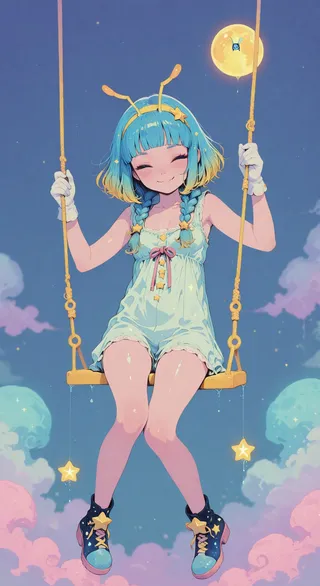
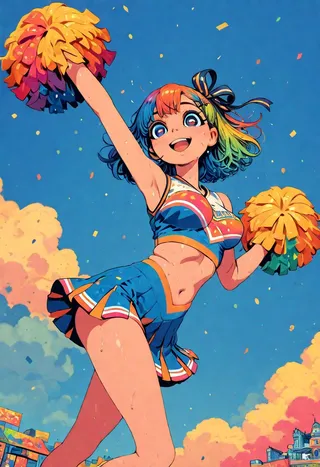
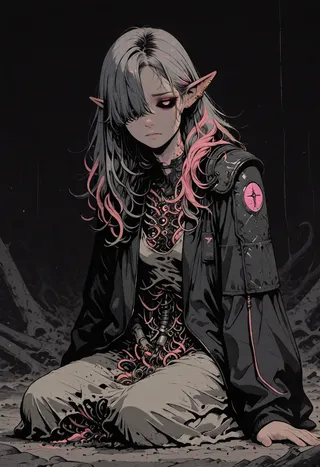
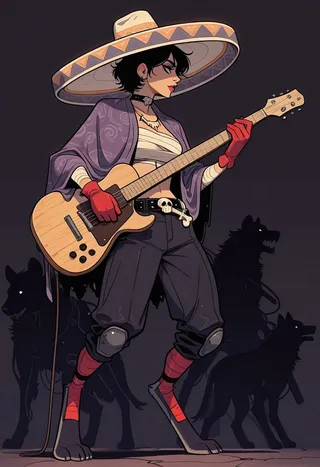
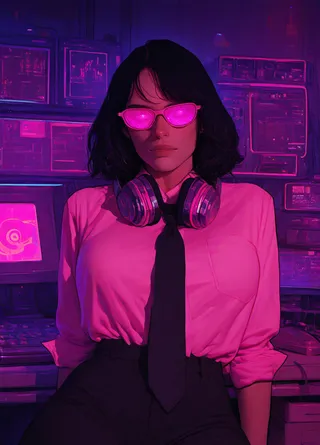
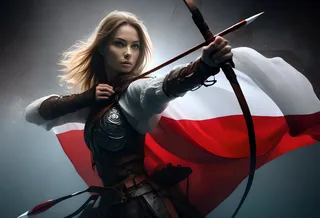
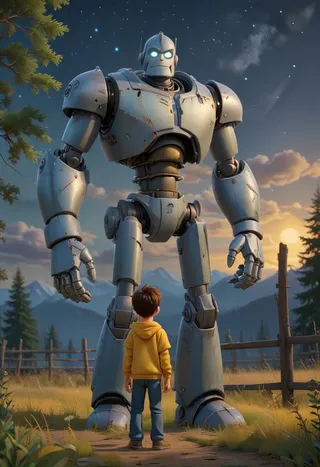
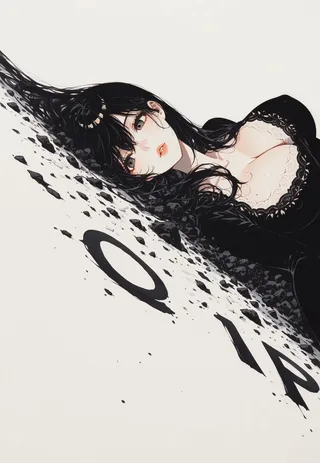
Yoshitaka Amano Style LoRA - v2_offset 제작 이미지
illustration 이미지
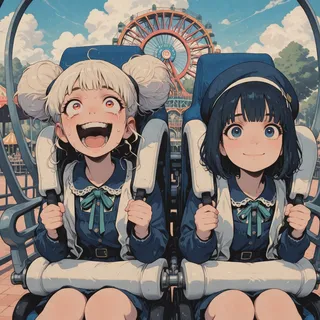
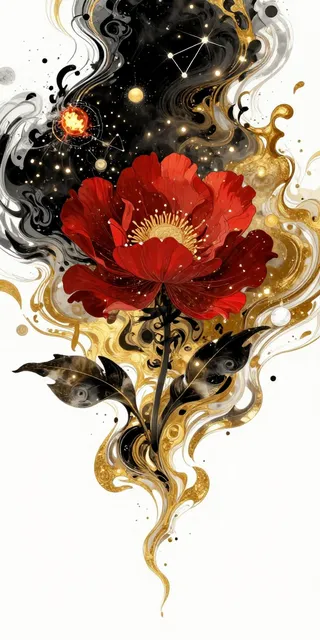
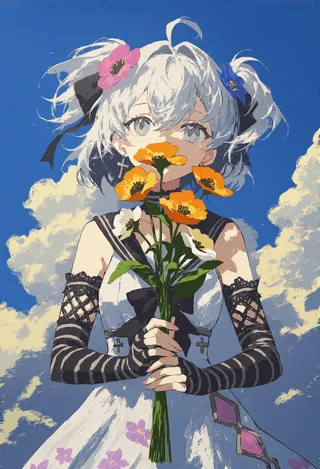
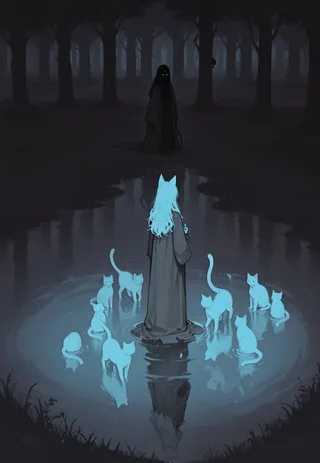
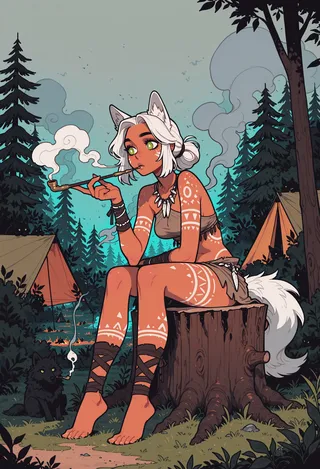
style 이미지



traditional 이미지
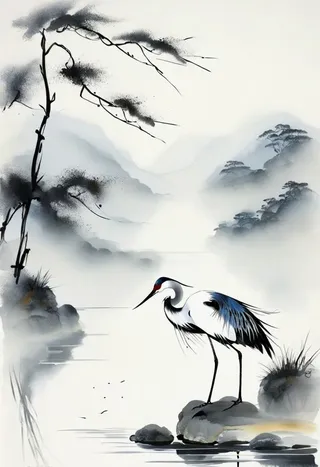


watercolor 이미지