CyberRealistic Negative - Pony v1.0 - v1.0
하이라이트된 이미지
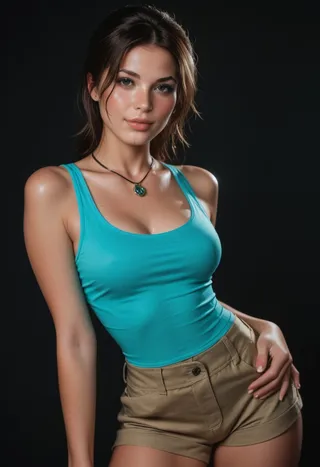
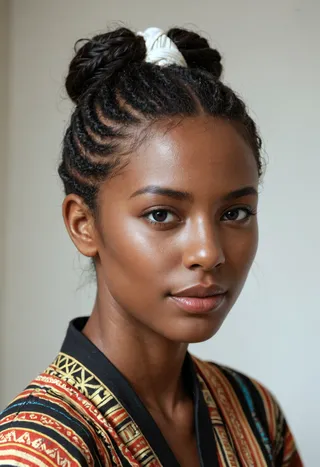
추천 프롬프트
score_9, score_8_up, score_7_up
추천 네거티브 프롬프트
CyberRealistic_Negative,CyberRealistic_Negative_Anime
CyberRealistic_Negative_PONY
추천 매개변수
samplers
steps
cfg
clip skip
resolution
other models
추천 고해상도 매개변수
upscaler
upscale
steps
denoising strength
팁
Place the downloaded file in the embeddings folder (e.g., stable-diffusion-webui/embeddings for A1111 Webui).
Use the embedding by entering its name into the negative prompt box instead of a usual prompt.
Default embedding names: CyberRealistic_Negative or CyberRealistic_Negative_Anime.
버전 하이라이트
Pony Version (V1)
크리에이터 스폰서
Want to buy me coffee? (Buy a cup)
Want to buy me coffee? (Buy a cup)
This Negative Embedding (TI) can assist you in achieving a more realistic portrayal when prompting.
Pony: for Realistic Pony (like CyberRealistic Pony, but it should work with every Realistic Pony model)
SDXL: for SDXL versions
Realistic 1.5: use standard version (V1.0)
Semi-Realistic/Anime 1.5: use Anime version
How to use
Download the file and place it in your embeddings folder. If you're using A1111 Webui, the folder path would be stable-diffusion-webui/embeddings (refer to the documentation to find the correct location for embeddings for other programs).
Once the file is in the designated folder, utilize the embedding by entering its name into the "negative prompt" box instead of the usual prompt. The default names are CyberRealistic_Negative, or CyberRealistic_Negative_Anime, depending on the version you downloaded.

모델 세부사항
모델 유형
기본 모델
모델 버전
모델 해시
학습된 단어
제작자

토론
댓글을 남기려면 log in하세요.
모델 컬렉션 - CyberRealistic Negative - Pony v1.0

CyberRealistic Negative - Pony v1.0 - v1.0 제작 이미지
anime 이미지


포토리얼리즘 이미지


style 이미지






