Control LoRA Collection - NAI vpred fix
関連キーワード&タグ
ハイライトされた画像
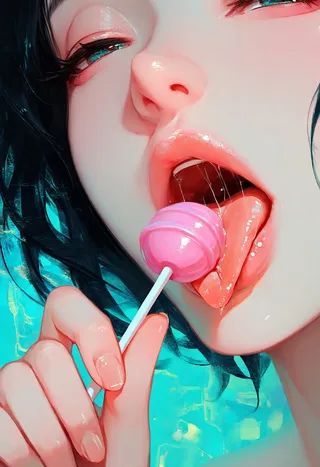
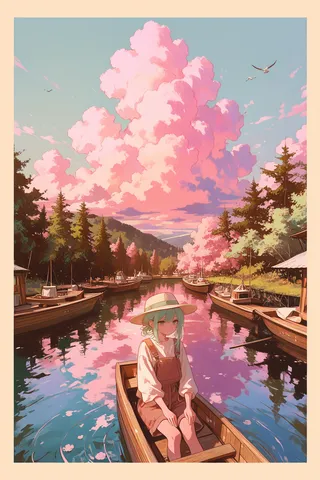
推奨プロンプト
masterpiece, very aesthetic, best quality, newest, absurdres, highres, very awa, 1girl, solo
推奨ネガティブプロンプト
lowres, worst quality, low quality, bad anatomy, bad hands, multiple views, abstract, signature, furry, anthro, 2koma, 4koma, comic, manga, text, watermark, username, artist signature, patreon logo, patreon username, twitter username, buttons, tunnel, loli, crowd
推奨パラメータ
samplers
steps
cfg
resolution
other models
推奨ハイレゾパラメータ
upscaler
upscale
steps
denoising strength
ヒント
Recommended strength: 0.3-0.7 for CFG Scale Boost LoRA.
Experiment with both positive and negative values to control composition and detail finely.
1.0 strength might be too much for some models and not enough for others; adjust accordingly.
クリエイタースポンサー
Announcing the release of the CFG Scale Boost LoRA! After much research I've discovered a method which allows you to pseudo-control the CFG scale of your gens using a special LoRA. It is listed under Pony but will work with every SDXL model (including Illustrious XL)! It has the biggest effect on the backgrounds, where it will fill them out and make the scenes feel more complete without frying your gens. Second, it has a detailer-like effect on the main subject, but not always! Experimentation is key. I recommend 0.3-0.7 strength. Released under EA as many sleepless nights were dedicated to this project, which I originally wasn't going to release publicly. Works with negative values as well, allowing you to control the composition and detail of your art to a fine degree, something not possible with typical detail LoRAs.
Control LoRA Collection
A collection of various control LoRAs for use in gens, merges and fine tunes.
Detail series
SDXL Enhance: controls the details and compositional elements of SDXL-base models.
CFG ScaleBoost: boost the CFG scale of your gens using a LORA without burning out your latents.
Realism series
Update: Finally added a Pony version!
Original description:
This LoRA will make your model either 2D/anime <-> 3D/photorealistic depending on how to use it.
For example <lora:realistic:-1.0> (negative values) will strengthen the 2D style and <lore:realistic:1.0> (positive values) will strengthen the photo style.
Potential uses:
Adjust the style of your model slightly to make it look more original
Make a realistic model more realistic (such as when the skin is too smooth/plastic)
Make a 2D/anime model more stylised by making it more 2D
Combined with the detail LoRA (linked in the resources) you can reduce details in your anime model and make it look more 2D to create a unique cell shaded style
This LoRA works well with blended models. It is neutral and won’t overwrite the style of your gens.
Tip: depending on what model you’re using will determine what range of values will be suitable. 1.0 might be too much for some models and not enough for others, for example. This is especially true of negative values.
投稿者

モデルコレクション - Control LoRA Collection
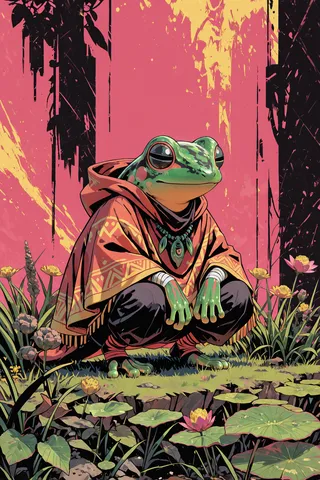

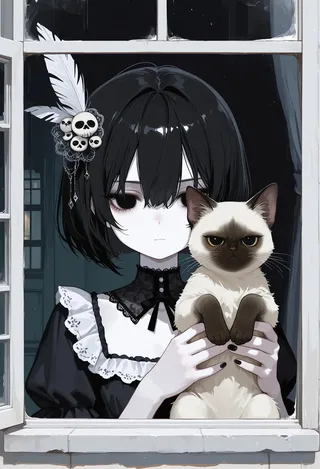
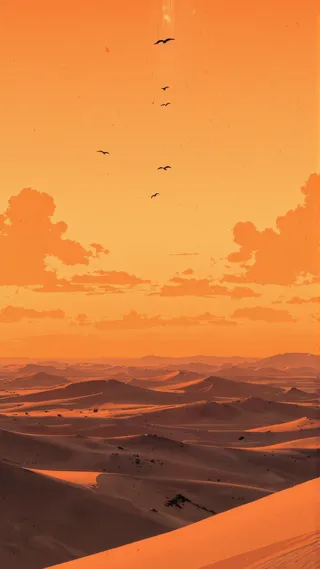
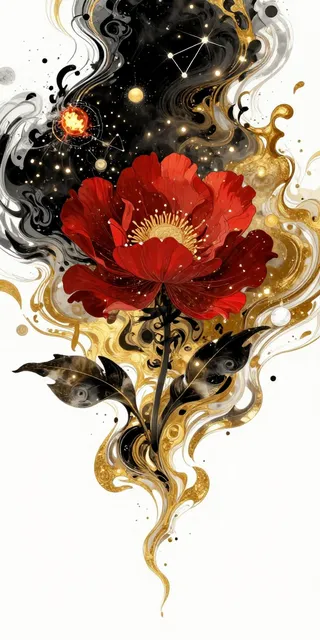
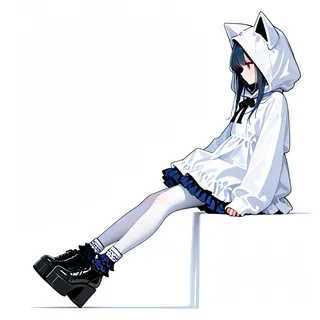
「Control LoRA Collection - NAI vpred fix」による画像
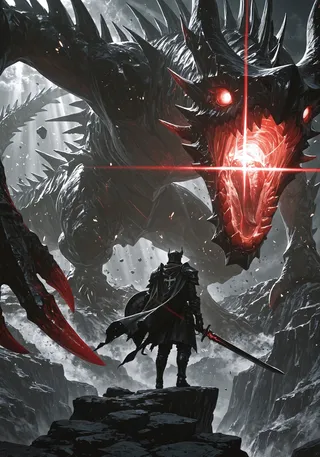
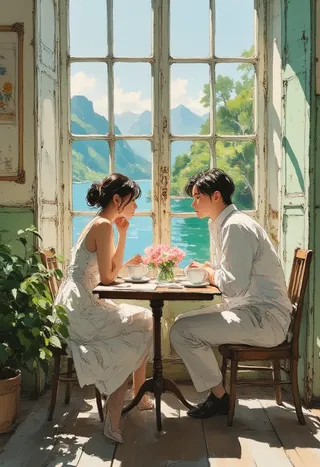
アニメ画像

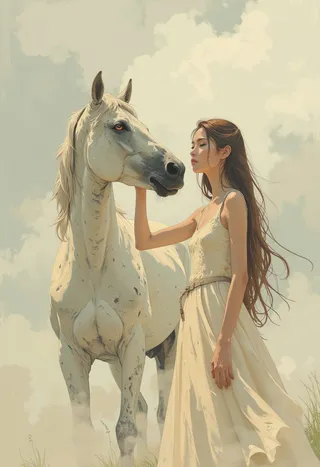

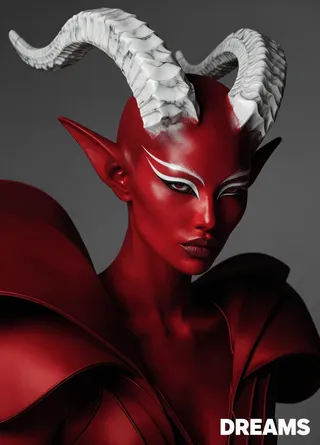
フォトリアリスティック画像
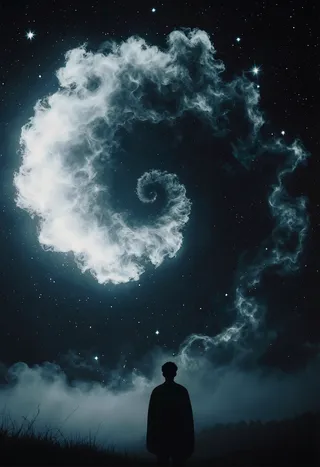

ツール画像
