Film art - Motion Blur
Verwandte Schlüsselwörter & Tags
Hervorgehobene Bilder
Empfohlene Parameter
samplers
cfg
Tipps
Use weights between 0.6 and 1.2, with a default of 0.9 for best results.
Recommended resolution sizes are 768, 1024, and 1536, defaulting at 1024.
Guidance condition values between 2.5 and 3.5, with 3.5 as default, yield optimal effects.
Compatible with turbo acceleration models allowing for faster processing with 8 default steps.
Effectiveness is better when used with WebUI and ComfyUI workflows.
Versions-Highlights
Copyright Statement:
Some people have been abusing my model all the time. Hereby, I solemnly declare that my model is only for learning and communication purposes. Users should follow the community agreements and relevant national laws and regulations. Any individual or institution is prohibited from using it in any public or commercial fields without permission. Violators will be prosecuted.
Ersteller-Sponsoren
If you'd like to support me and do more : ☕ https://ko-fi.com/vjleoliu ☕commissions open
Are you tired of the monotonous posed shots and find the perfectly balanced compositions too plain? Give this LoRA series a try. It is specifically designed to simulate cinematic effects. Its mission is to infuse dynamism and vitality into the images, and its vision is to make ordinary pictures come alive.
If you'd like to support me and do more : ☕ https://ko-fi.com/vjleoliu ☕commissions open
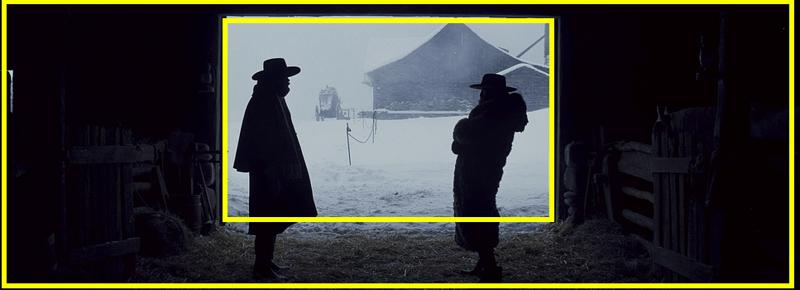
1. Frame In Frame
A frame within a frame is the use of visual elements in a scene to border a subject, further drawing the focus to them. The first frame is the literal shape and border of the entire image. The second frame is then created within the image, hence the term. To create this additional frame, photographers and cinematographers often use windows, doors, or other foreground elements. Subjects can also be framed with background elements that create the shape around the subject. It does not always have to be rectangular or square, just a shape that borders a subject.
 2. Motion Blur
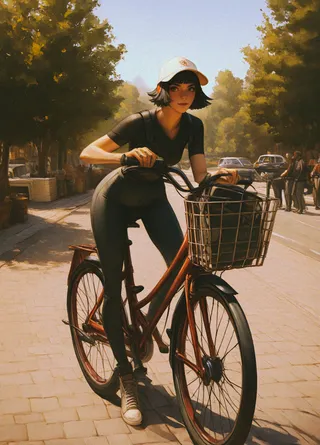
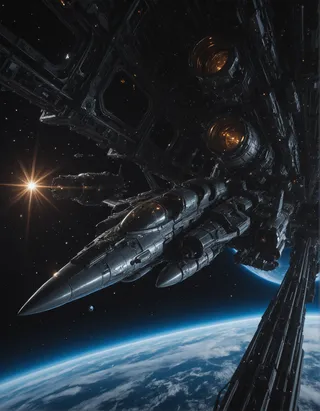
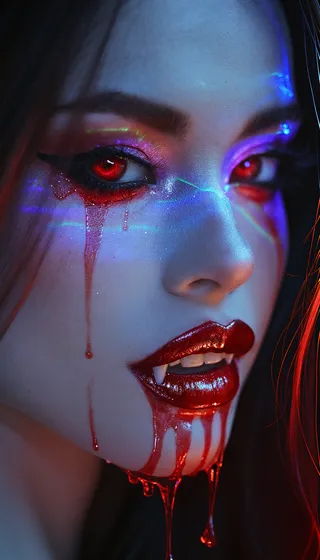
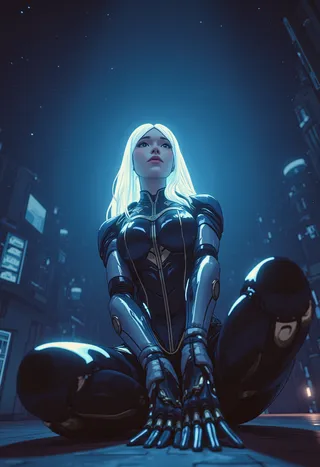
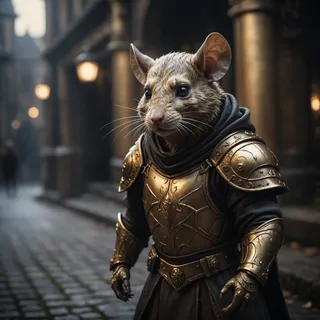
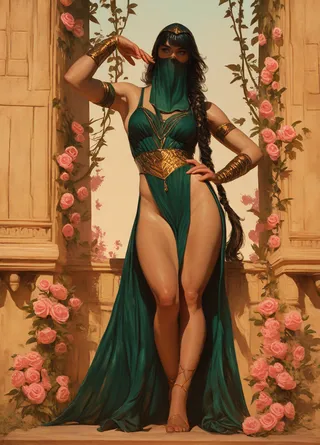
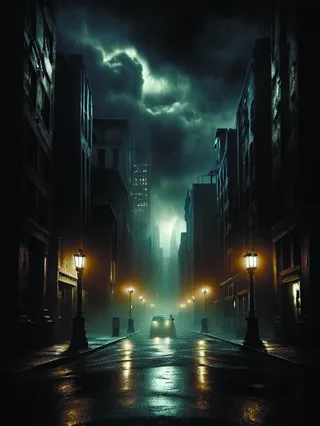
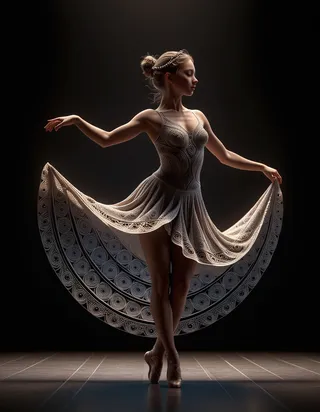
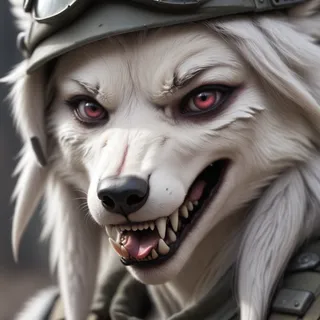
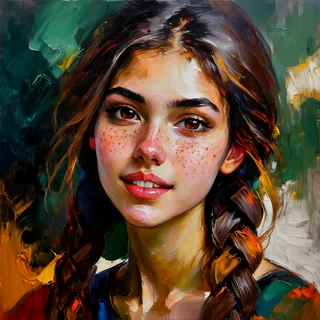
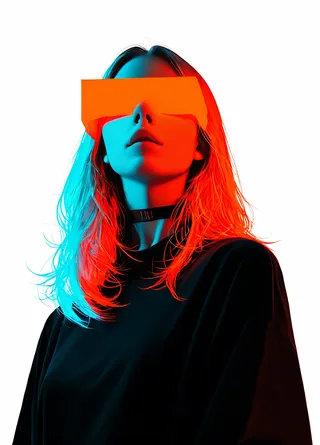
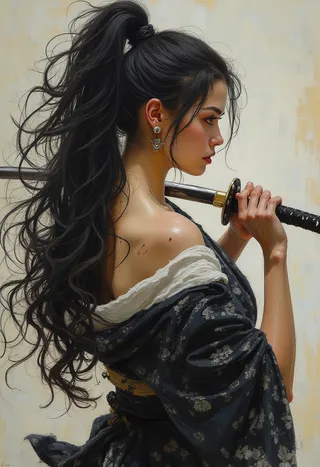
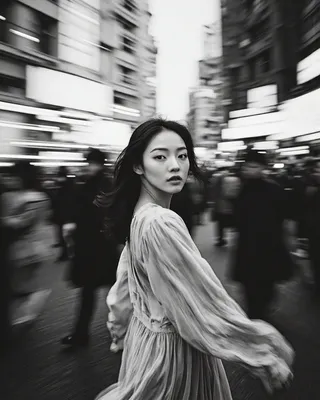
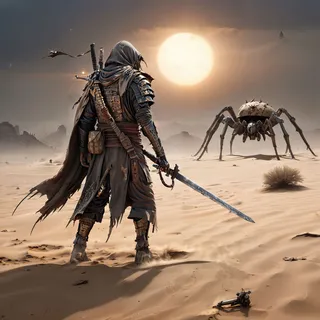
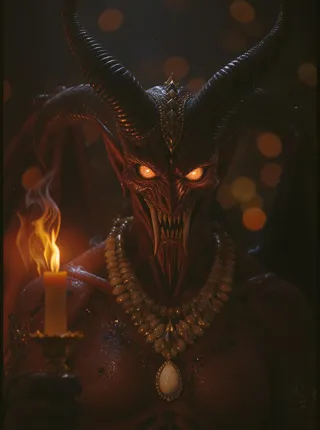
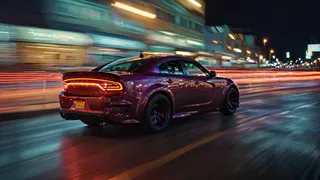
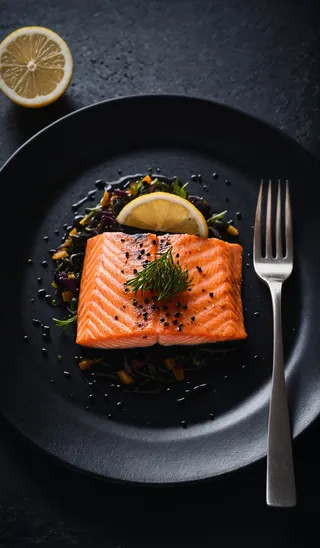
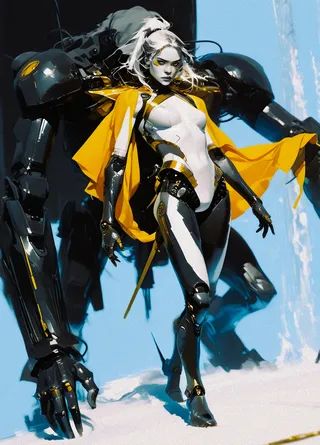
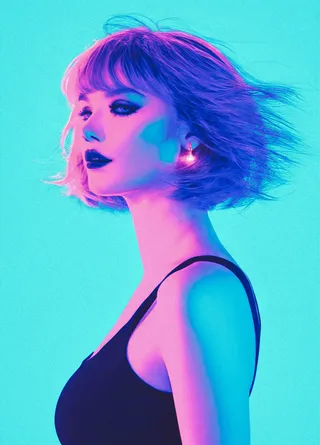
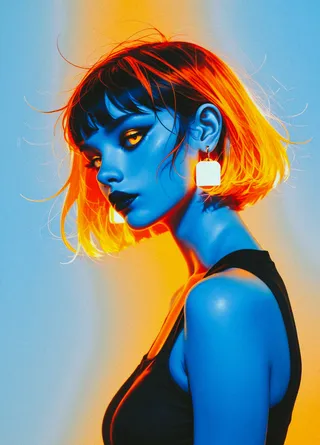
Also known as motion blur, it refers to the distinct trails left by fast - moving objects in a static scene or in a series of pictures, such as in movies or animations. which is suitable for creating highly dynamic or impactful visuals.

Recommended Configuration
This LoRA has undergone extensive testing, and the example images are all generated in one go and have not undergone enlargement processing.
Weight: 0.6 - 1.2 (default 0.9)
Size: 768/1024/1536 (default 1024)
Guidance Condition: 2.5 - 3.5 (default 3.5)
Steps: 20 - 40 (compatible with the turbo acceleration model, default 8 steps)
Sampler: euler (simple)
Support WebUI/ComfyUI. After testing, the effect of ComfyUI is better. It is recommended to use it together with my workflow.
OK! The above is all the content for this time. If you have any questions, welcome to leave a message/return pictures/like/follow. It would be great to have a combo of all these actions.
→→→→→→ Get more resources ←←←←←←

Modell-Details
Modelltyp
Basismodell
Modellversion
Modell-Hash
Trainierte Wörter
Ersteller
Diskussion
Bitte log in um einen Kommentar zu hinterlassen.
Modellsammlung - Film art
Bilder von Film art - Motion Blur
Bilder mit cinema

Bilder mit film


Bilder mit movie

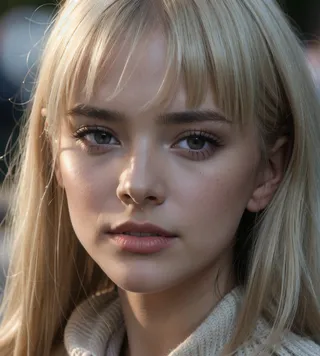
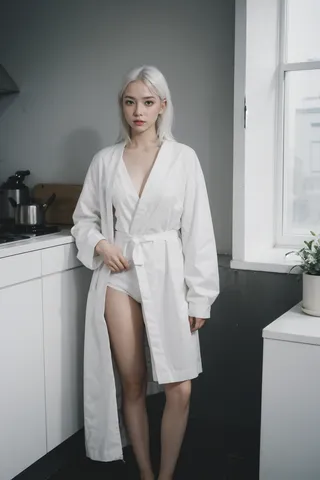


Bilder mit photo